Guide, 1 min, with video
Add your logo
Your agency on every page, instead of ours.
Add your logo, 0:40
Step 1
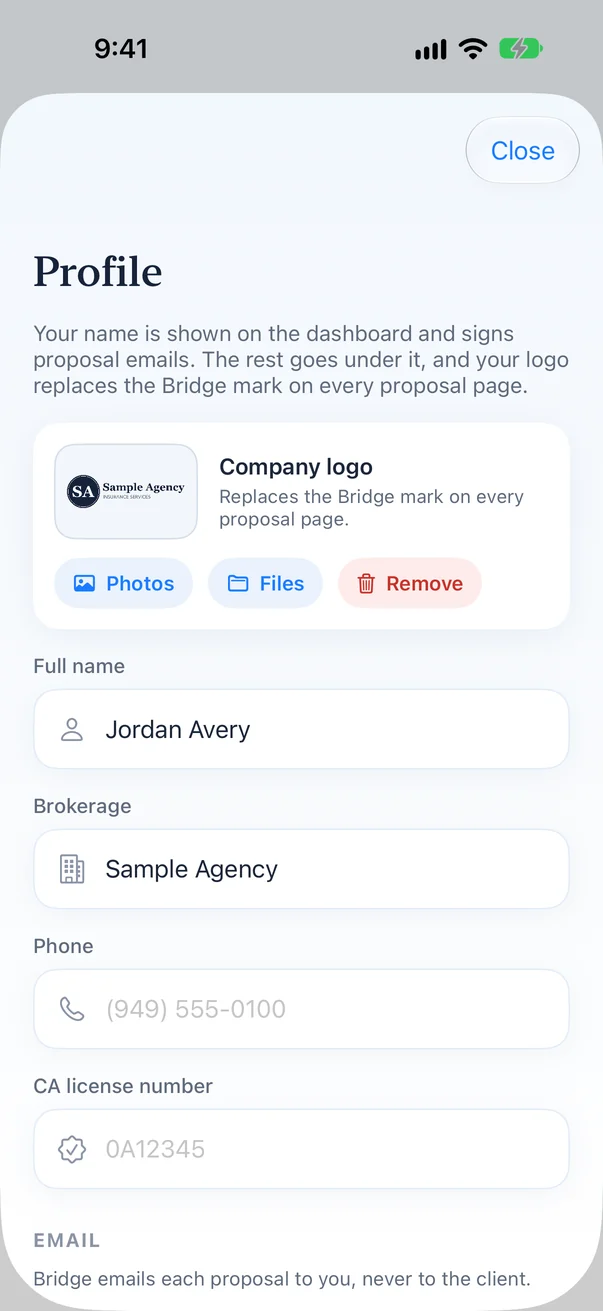
Open Account, then Profile
The logo card sits at the top of your profile.
Step 2
Upload from Photos or Files
A PNG or JPG works. Bridge resizes large files for you.
Step 3
Save
Every proposal you render from now on carries your logo where the Bridge mark was, plus your name and contact block on the cover.