Guide, 1 min
Choose carriers and plan rules
Leave a carrier out, or change how plans are picked, for every quote you run.
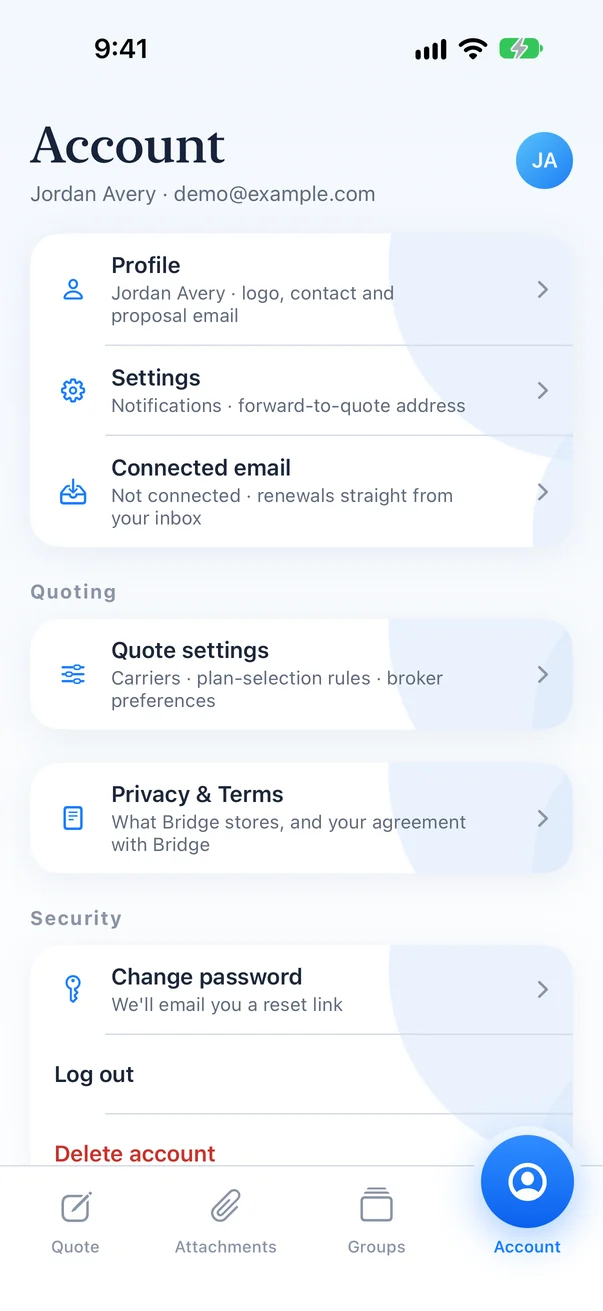
Step 1
Open Account, then Quote settings
Carriers, plan-selection rules and broker preferences all live here.
Step 2
Pick the carriers you quote
Turn a carrier off and it stops appearing as an option. The incumbent is always read from the letter.
Step 3
Set your preferences
Preferences apply to the next quote you run. Past quotes keep the settings they ran with.