Guide, 1 min, with video
Email yourself the proposal
Bridge sends the proposal to you, never to your client. You forward it from your own email.
Email yourself the proposal, 0:25
Step 1
Tap Email Me the Proposal
It sits at the bottom of the results. The next screen shows where it goes: your own address, from your profile.
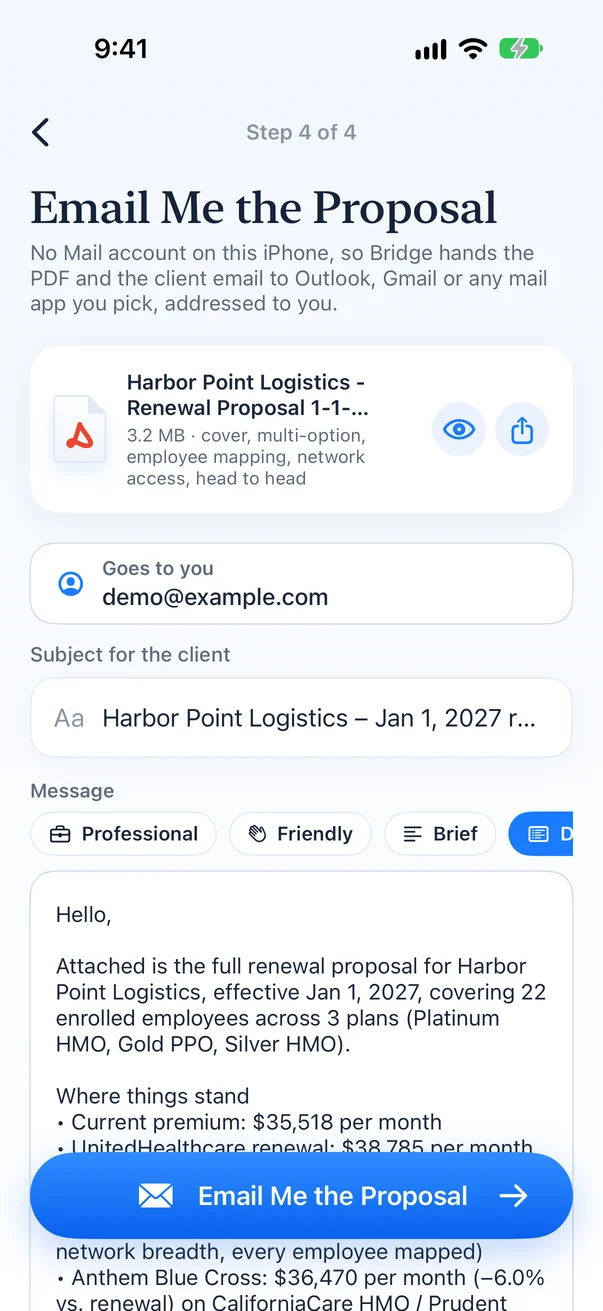
Step 2
Set the subject and message
Write the note you want your client to read, or pick a style: professional, friendly or brief.
Step 3
Email Me the Proposal
The PDF lands in your inbox. Forward it to the client from your own email, with your own signature.