Guide, 2 min, with video
Quote a renewal PDF
The fastest path: the carrier's renewal letter in, a multi-carrier proposal out.
Quote a renewal PDF, 0:30
Step 1
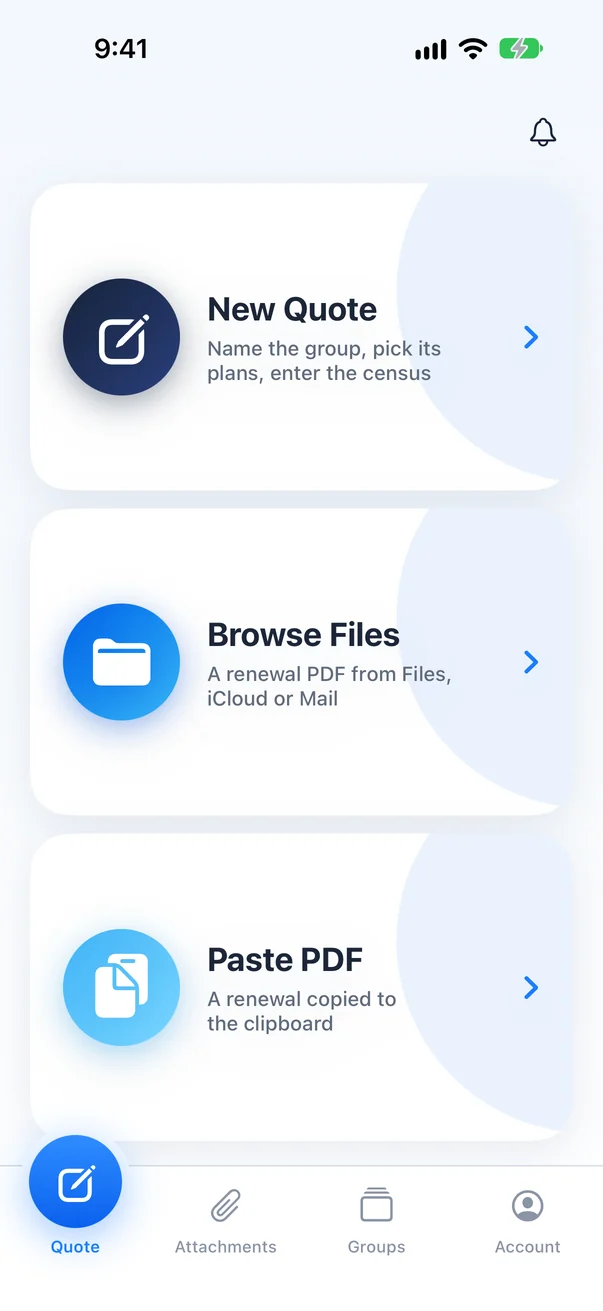
Open the Quote tab
Tap Browse Files to pick the renewal from Files, iCloud Drive or a folder you saved it to from Mail.
Step 2
Choose the carrier's renewal PDF
Use the letter the carrier sent, with the plan and employee rate pages included. A scan or a photo of a page will not read.
Step 3
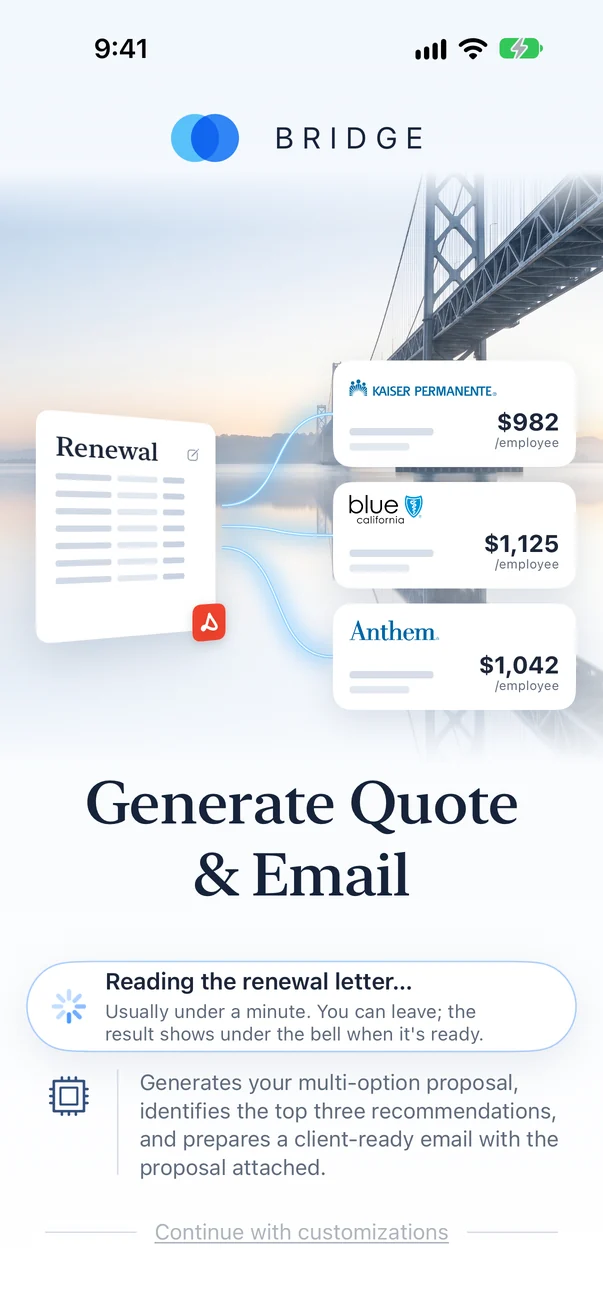
Let Bridge read it
Group, plans, census and premiums come off the letter, then every option is priced. Most renewals take a minute or two.
Step 4
Review the options
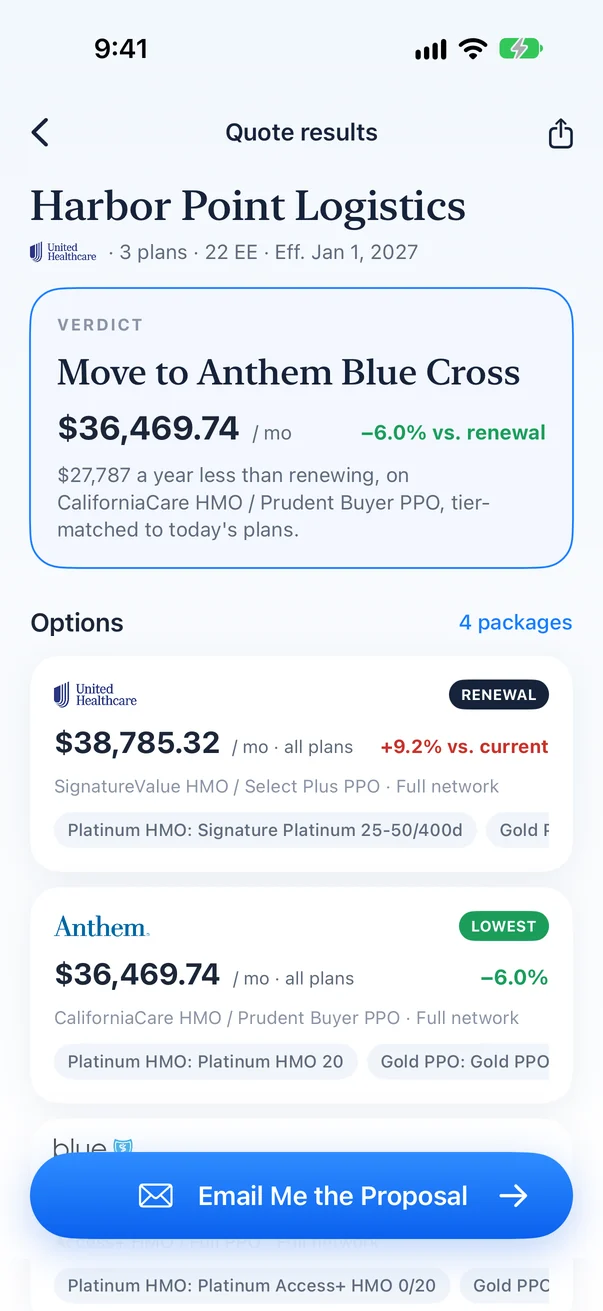
The renewal sits at the top as the baseline, and every option is ranked against it on total monthly premium.